


This post may contain affiliate links. Please read my disclosure policy.
In This Article Show
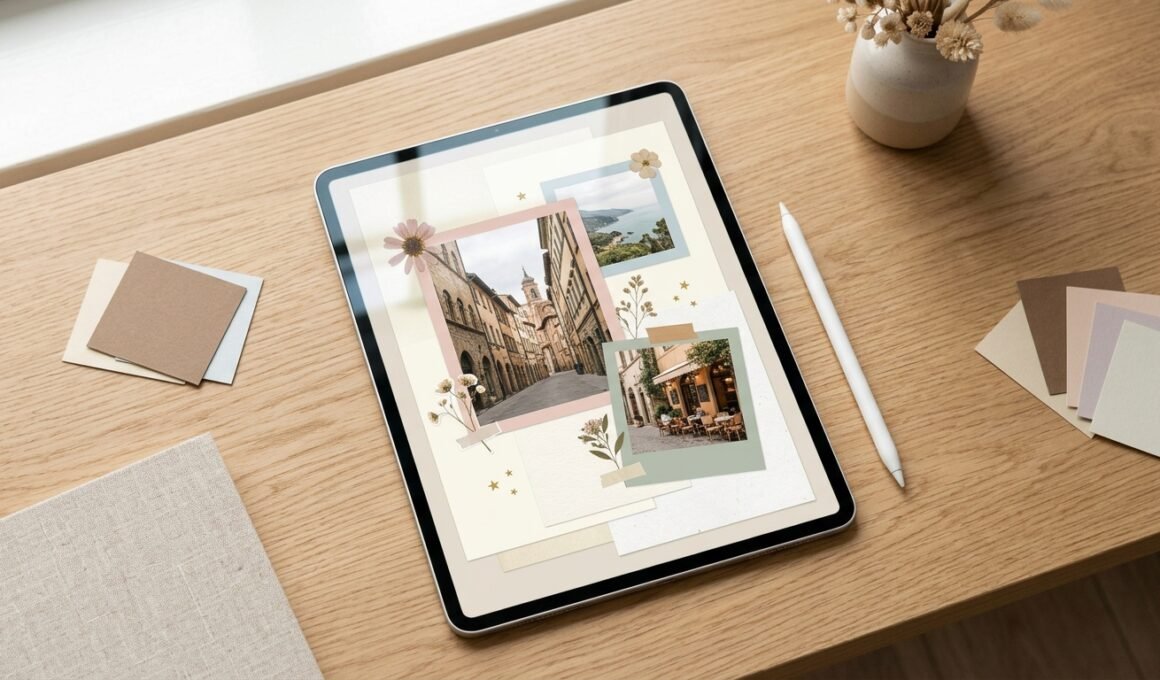
A digital scrapbook is a fun way to save your favorite memories, celebrate special moments, and turn everyday photos into creative designs. You can use it to document birthdays, vacations, friendships, family celebrations, or even small moments from daily life. Unlike a traditional scrapbook, a digital version lets you experiment with layouts, colors, stickers, backgrounds, and decorative elements without needing physical paper or glue. With tools such as Canva, beginners can create attractive scrapbook pages using ready-made templates, digital paper, PNG stickers, and simple editing features. You can also design pages for Instagram posts, birthday albums, digital journals, or printable keepsakes. The secret to a beautiful design is choosing a clear theme and combining a few meaningful elements instead of filling every empty space. These creative ideas will help you build a scrapbook that feels personal, polished, and easy to share.
1. Create a Minimalist Memory Page
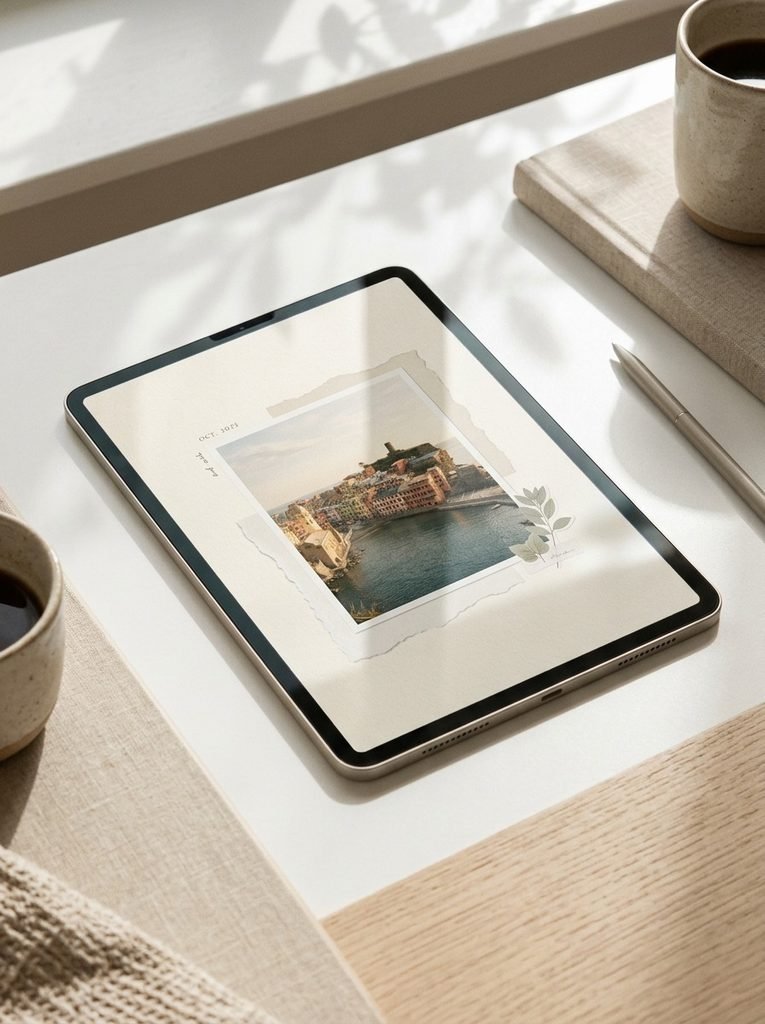
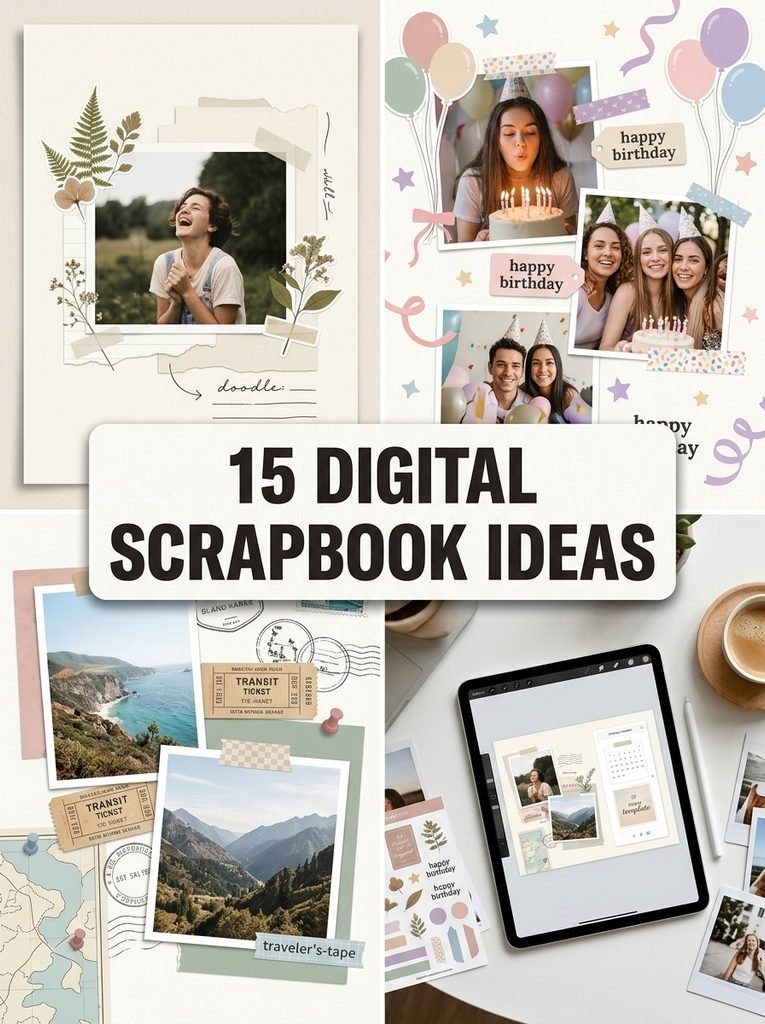
A minimalist scrapbook page puts your favorite photograph at the center of attention. Start with a cream, white, or pale beige background, then add one main photo, a small date, and a few simple paper-style shapes. In Canva, you can create this look with a blank design, a photo frame, and a few understated decorative elements. Keep generous space around the photo so the page feels balanced rather than empty. This style works well for everyday memories, friendship photos, and digital journals because it is easy to update without redesigning the entire layout.
2. Design a Vintage-Inspired Travel Scrapbook
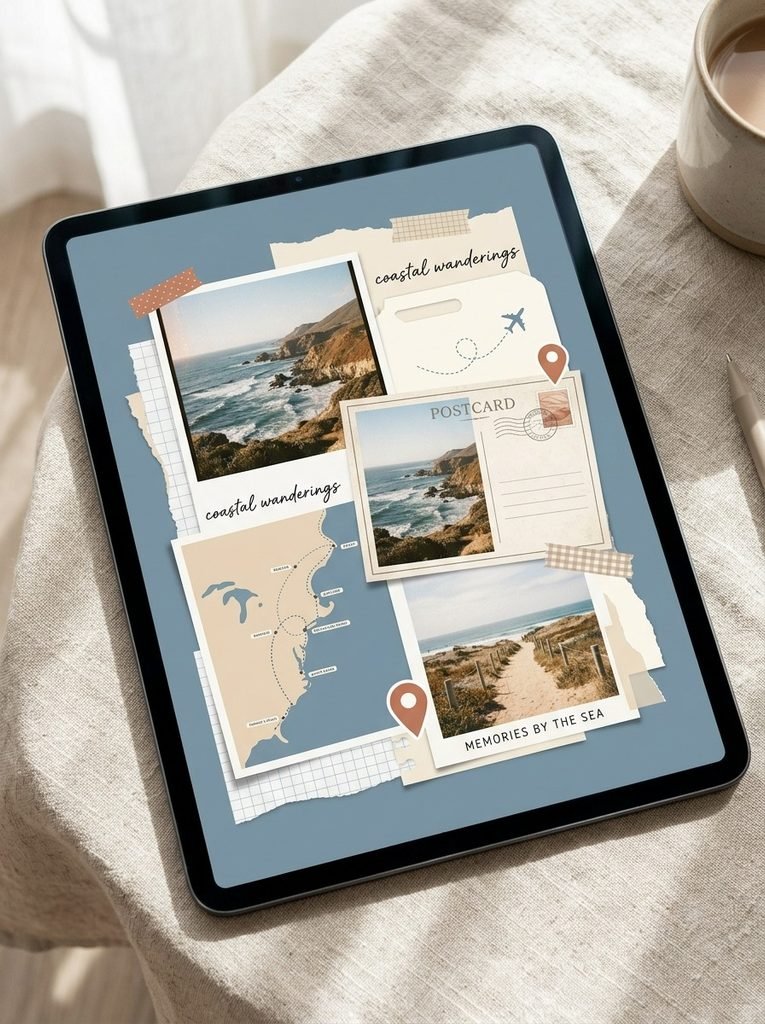
A travel scrapbook helps you preserve photos, ticket memories, destination snapshots, and highlights from a favorite trip in one visual story. Choose a map-inspired background, add a few photographs, and layer paper textures with postcard-style frames and small location-themed stickers. Muted blue, cream, and terracotta can create a collected-travel-journal feeling without making the page look old or cluttered. In Canva, use separate frames for photos so you can replace them later while keeping the layout consistent. Include only a few personal notes or dates to help you remember where each image was taken.
3. Make a Birthday Memory Collage
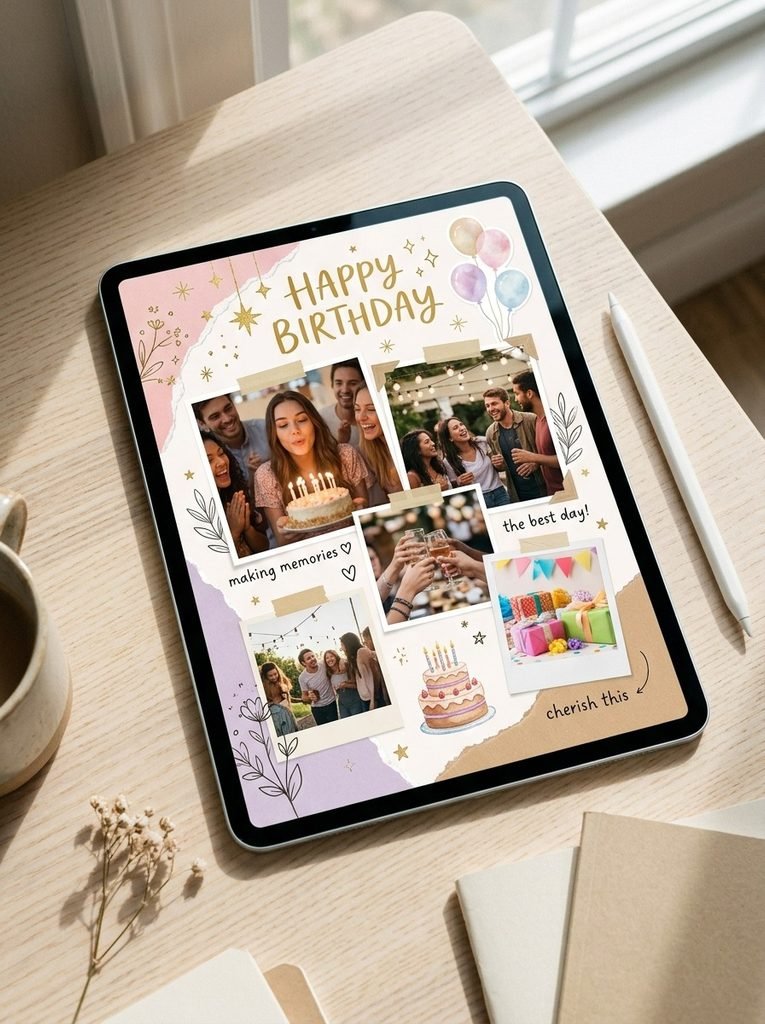
A birthday scrapbook is a thoughtful way to collect celebration photos, favorite moments, and decorative details from a special day. Choose a birthday color palette, such as blush pink and gold or lavender and cream, then arrange three to five photos in a balanced collage. Add balloons, stars, cake illustrations, and birthday-themed stickers in PNG format if you want transparent backgrounds. You can make the design in Canva using a collage template or arrange the photos yourself. For a cleaner result, keep the decorations around the edges and let the photographs tell the story.
4. Use Aesthetic Digital Paper Backgrounds
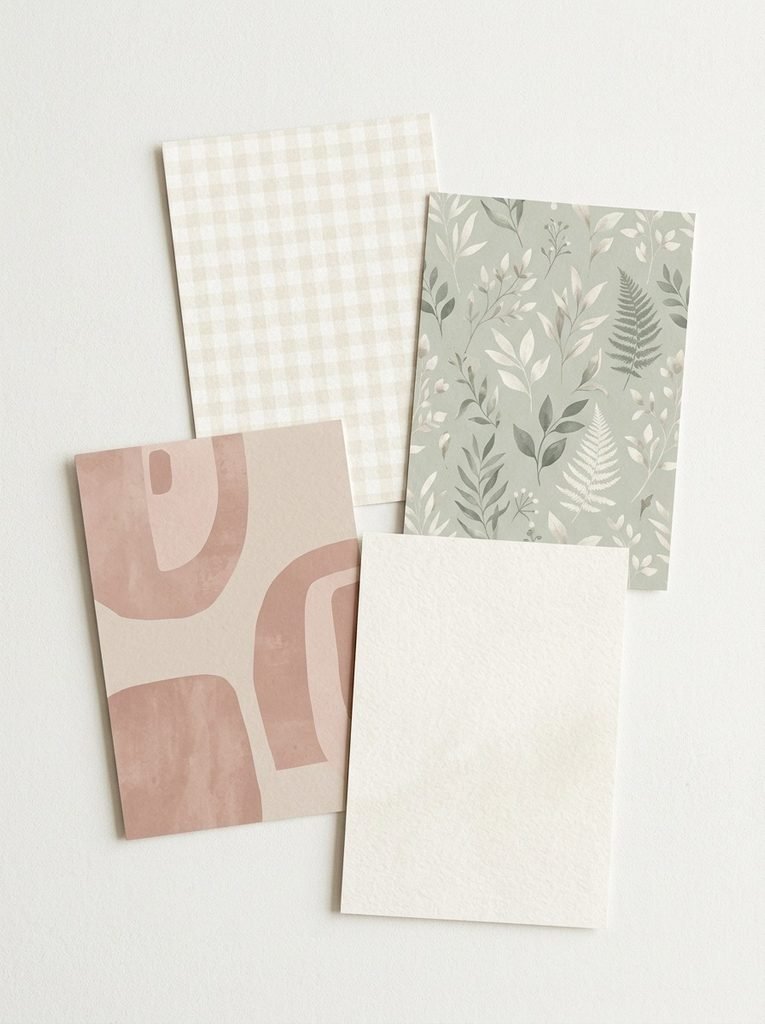
Digital paper can change the entire mood of a scrapbook page without requiring complicated editing. Try subtle checks, delicate florals, soft gradients, textured cream paper, or abstract shapes that suit your theme. In Canva, place the background first and then add photos and stickers on top. If your background is patterned, use simple photo frames and fewer decorative elements to maintain contrast. If you choose a plain background, you can introduce more texture through torn-paper graphics or small decorative shapes. Save a few matching backgrounds together so future pages can share a consistent visual style.
5. Create a Cute Sticker-Themed Page
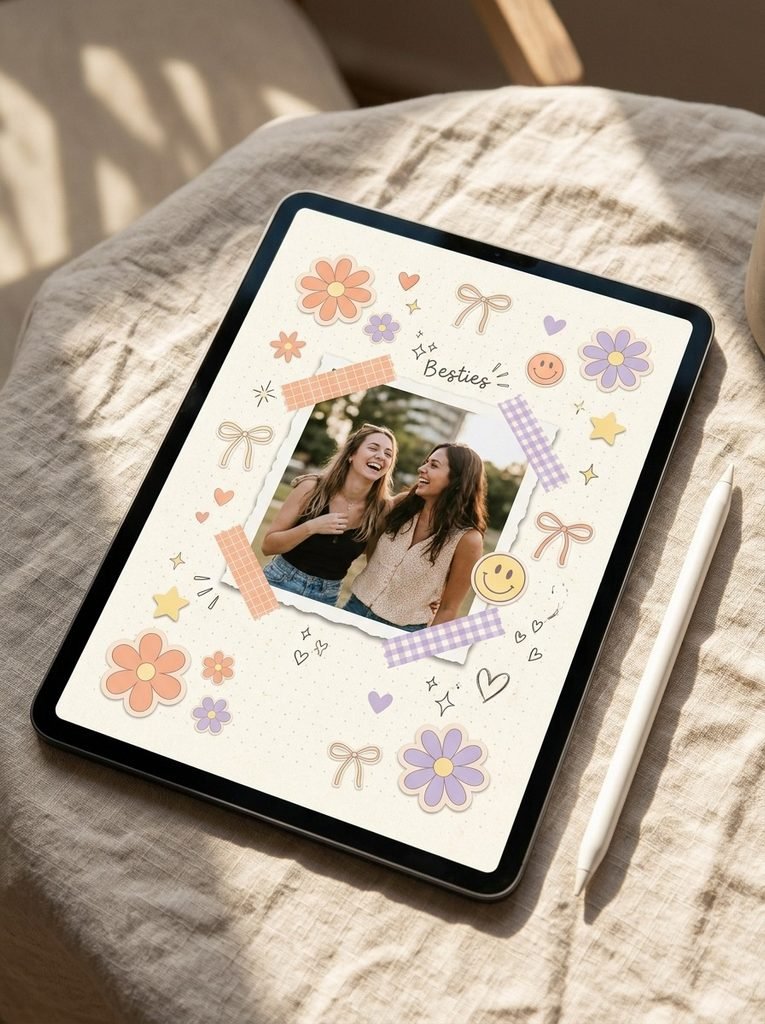
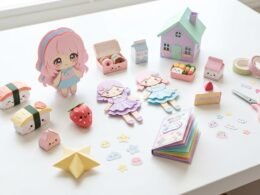
Stickers add personality to a scrapbook and help connect photographs, notes, and decorative details. You can use hearts, flowers, stars, smiley faces, bows, or themed illustrations depending on the memory you want to capture. Canva offers decorative elements, while transparent PNG sticker files can be uploaded from your device when you have permission to use them. Choose two or three sticker styles that work together rather than mixing many unrelated graphics. Place small stickers near photo corners or between sections to guide the viewer’s eye without hiding important details.
6. Build a Friendship Scrapbook
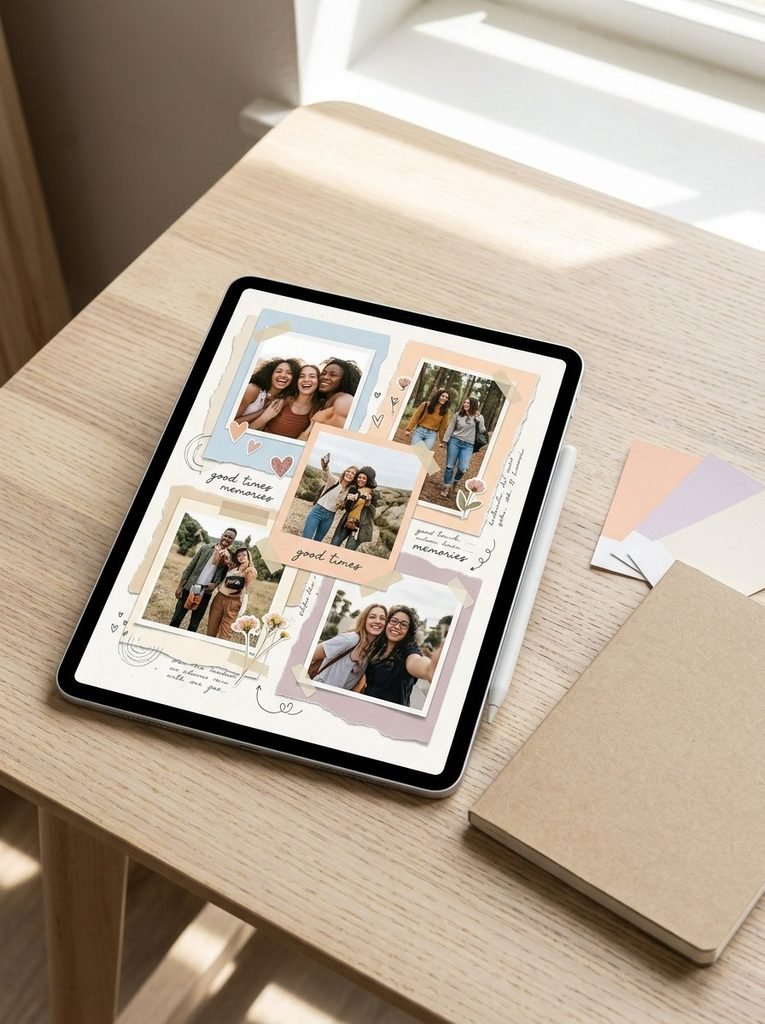
A friendship scrapbook celebrates the people who make everyday life special. Combine photographs from outings, shared celebrations, and ordinary moments with small handwritten-style notes, date details, and matching decorative paper. A two-column layout works well when you have several photos, while a single large photograph suits a more personal page. Use colors that reflect your shared memories, such as soft blue, peach, or warm neutrals. If you plan to print the page, check the image quality and leave enough space around important details so nothing gets cut off.
7. Try a Polaroid-Style Photo Layout
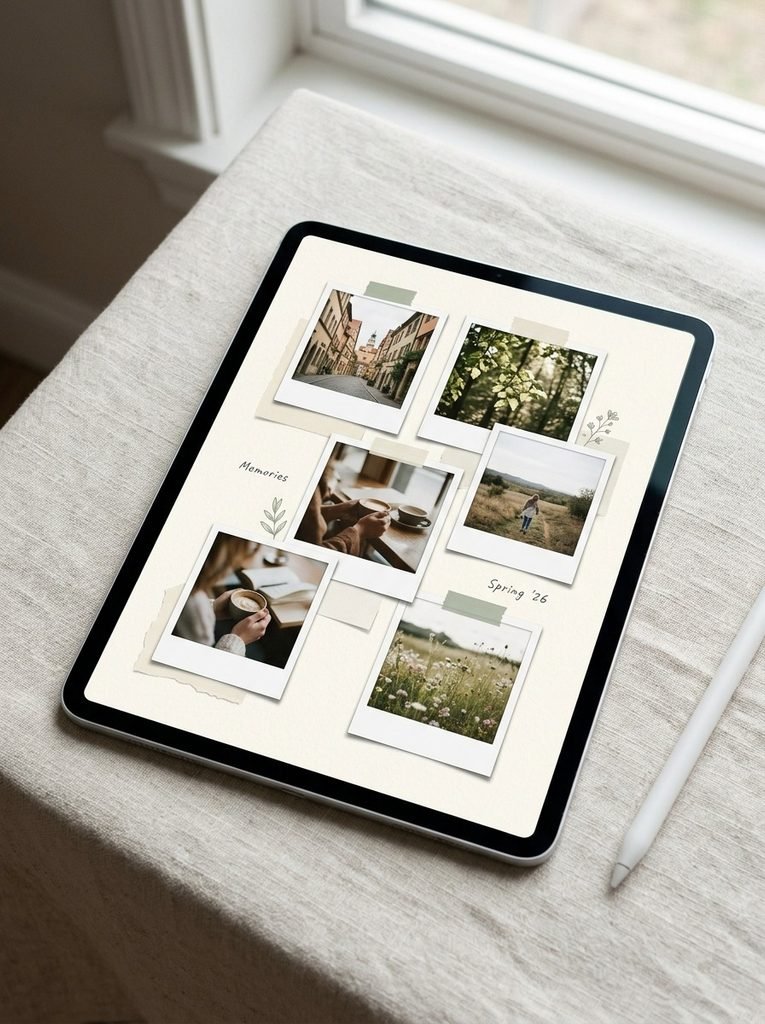
Polaroid-inspired frames give scrapbook pages a playful, photo-album appearance without needing physical instant-camera prints. Place each photograph inside a white frame, leaving a wider lower border for a short caption or date if desired. Arrange the frames in a loose grid or a gentle diagonal pattern, and add a few pieces of decorative tape to create a layered effect. This style is useful for vacation albums, monthly memory pages, and photo collections with different subjects. Keep the frame sizes consistent when you want an orderly look, or vary them slightly to create more movement.
8. Design a Canva Scrapbook Template
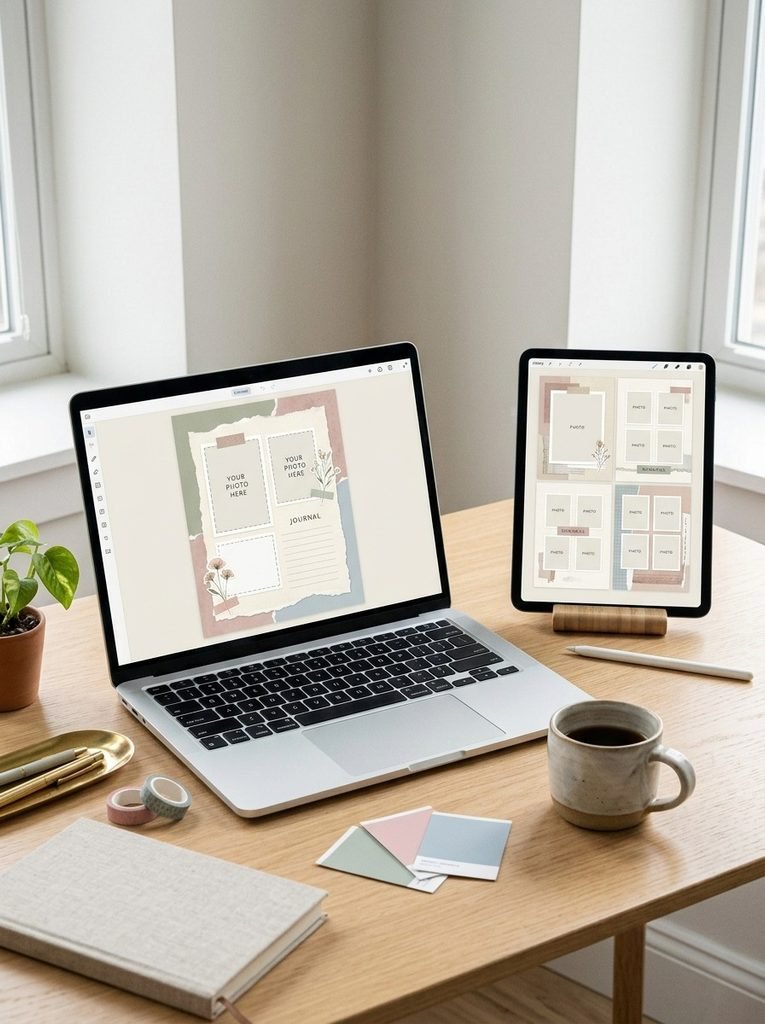
A reusable Canva template makes it easier to create multiple pages with a consistent look. Start with a page size that suits your intended use, such as a social post, digital album, or printable page. Add photo frames, a background, a few decorative elements, and clearly spaced areas for dates or captions. Keep the main elements aligned, then duplicate the page whenever you want to add another memory. You can change the photographs and colors without rebuilding the design. If you share or sell a template, check the licensing terms for the included graphics and other assets.
9. Make a Monthly Memory Journal
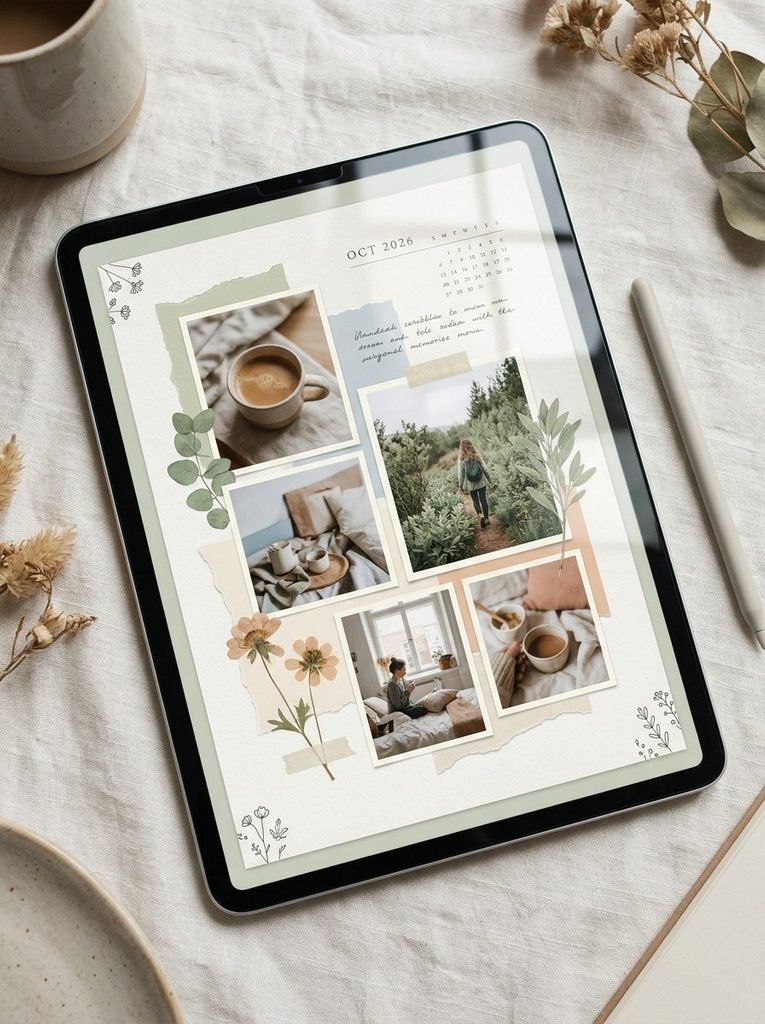
A monthly scrapbook turns a year of photographs into a collection of small, meaningful stories. Give each month its own page and include a few favorite pictures, a date heading, and short notes about important moments. You can reflect the seasons through color choices without changing the overall layout. For example, use fresh greens for spring and soft warm tones for autumn. A consistent photo grid helps the full album feel connected, while one larger featured image gives each month its own focal point. This format also works well as a personal digital journal.
10. Create a Floral Scrapbook Design
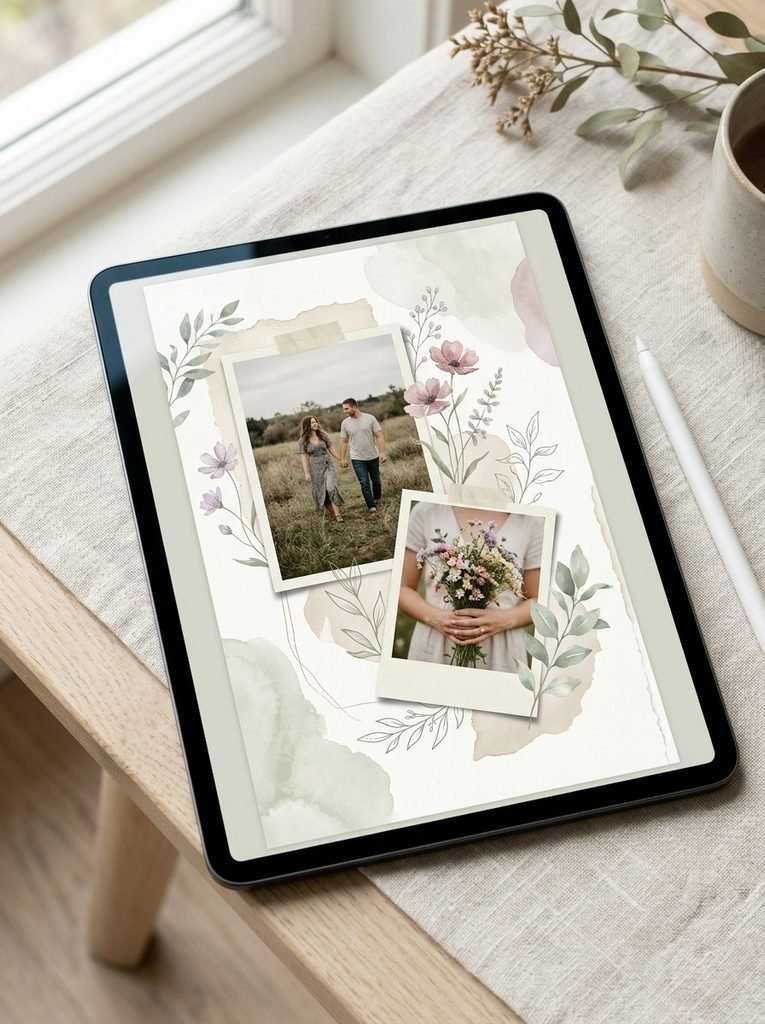
Floral elements are ideal for wedding memories, spring photographs, family celebrations, and personal journals. Choose one main flower style, such as delicate watercolor blooms or simple botanical illustrations, and pair it with a quiet background. Place flowers around the corners or along one edge to frame the photographs without covering faces. In Canva, search for compatible floral elements and adjust their size and transparency to suit the page. A soft cream and sage palette feels elegant, while dusty pink and lavender create a more romantic mood. Use restraint so the design stays readable.
11. Explore a Retro-Inspired Colorful Layout
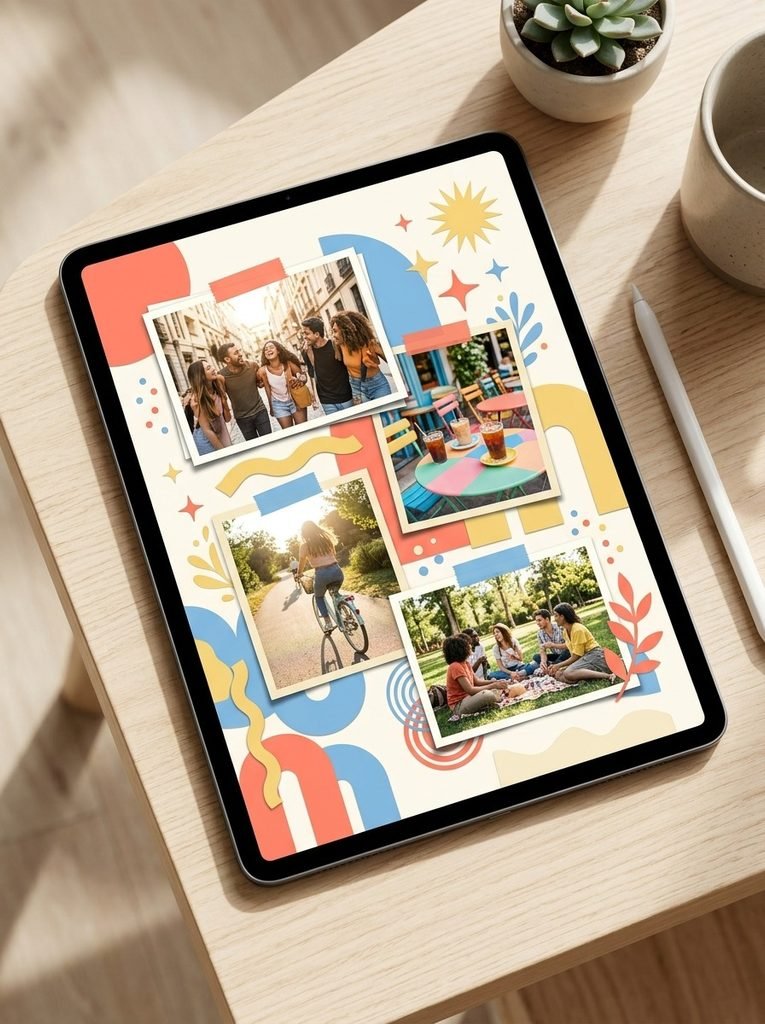
A retro-inspired scrapbook uses bold color combinations, playful geometric shapes, and layered photo frames to create an energetic page. Try combinations such as coral, sky blue, butter yellow, and cream, with simple starbursts or curved shapes as accents. This style suits music memories, road trips, personal milestones, and lively photo collections. Use one dominant color and two supporting shades so the page feels coordinated rather than chaotic. You can create the effect with Canva shapes and background elements instead of searching for a complicated template.
12. Design an Instagram Scrapbook Post
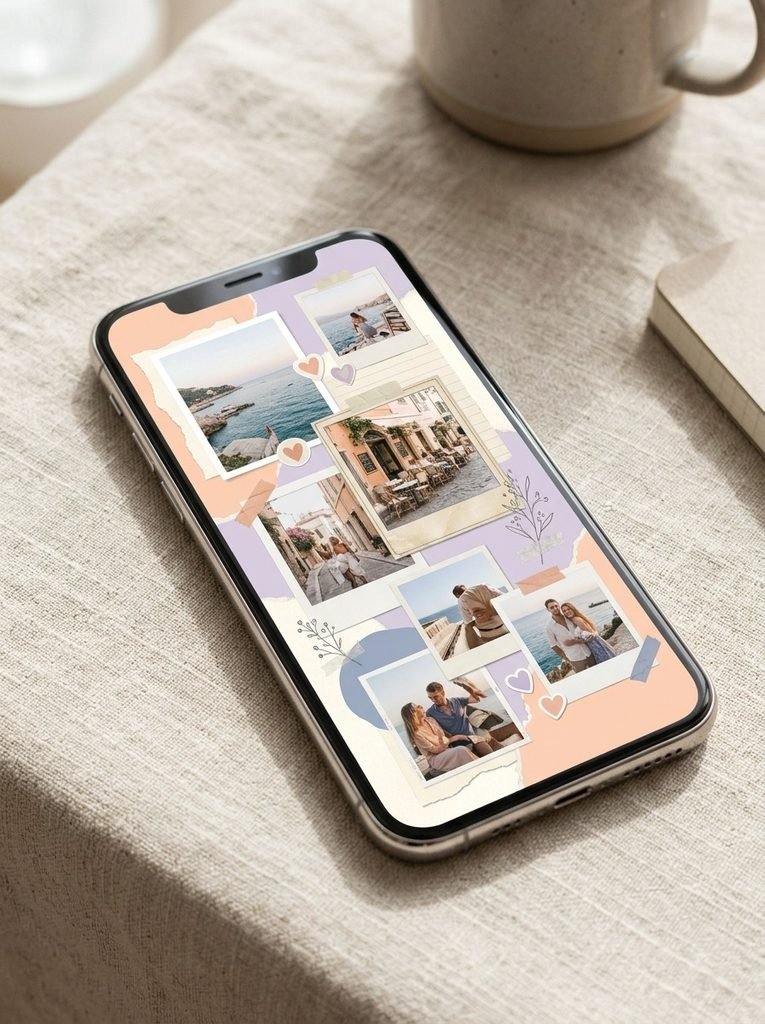
An Instagram scrapbook post combines photographs and decorative elements into a shareable visual story. Choose the correct canvas dimensions for your intended Instagram placement, then arrange your main photograph with smaller supporting images, stickers, and a coordinated background. Keep important visual details away from the edges and preview the design at a smaller size before exporting. A square layout can suit a classic grid post, while a vertical layout can make better use of the feed’s available space. Use high-quality images and avoid overcrowding the design with tiny details that become difficult to see on a phone.
13. Make a Scrapbook Cover
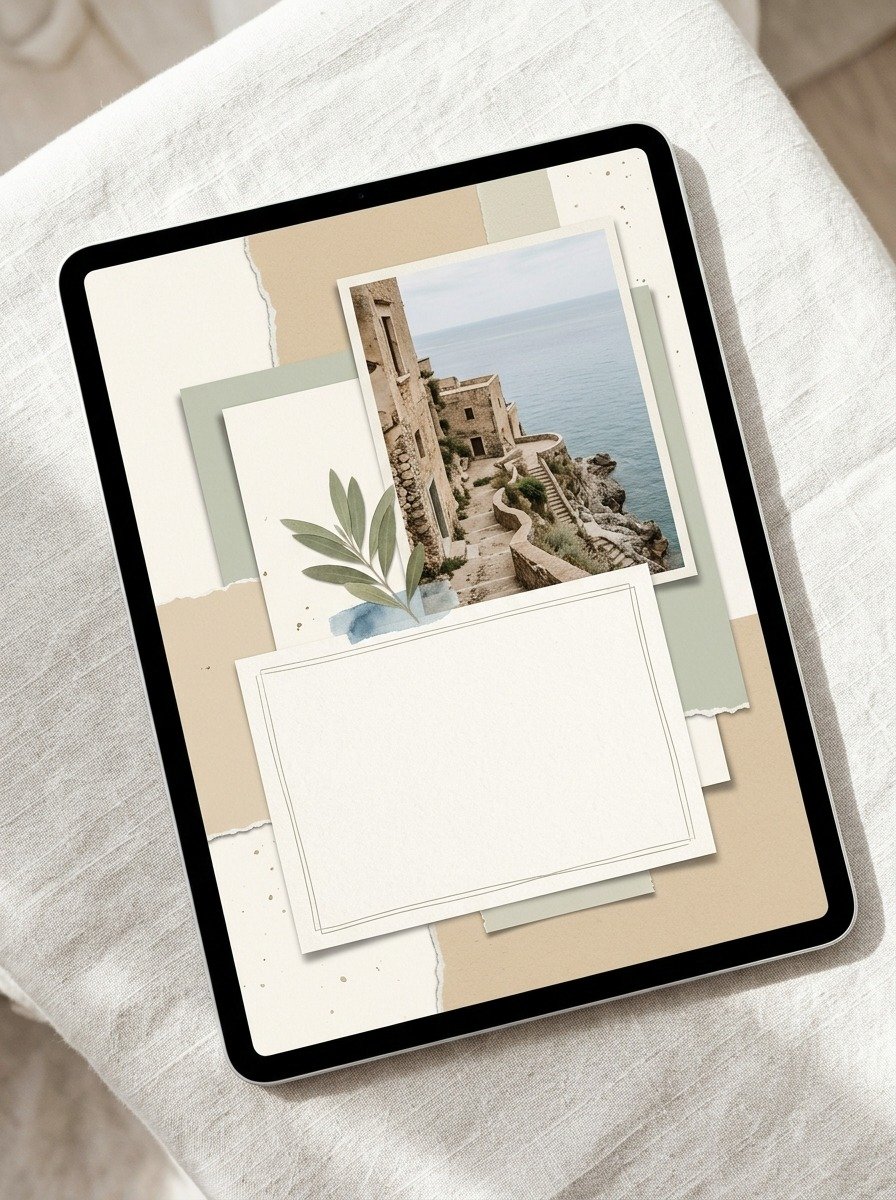
A strong cover gives your scrapbook a clear identity before anyone turns to the individual pages. Choose one main photograph or illustration, a coordinated background, and a short title that matches the album’s purpose. Keep the layout simple enough to remain clear at thumbnail size. For a travel album, a destination photograph can lead the design; for a birthday album, a favorite celebration picture may work better. Use consistent colors and typography if the cover belongs to a larger collection. Before printing, check that the title and key visual elements sit safely inside the trim area.
14. Create a Printable Scrapbook with Digital Paper
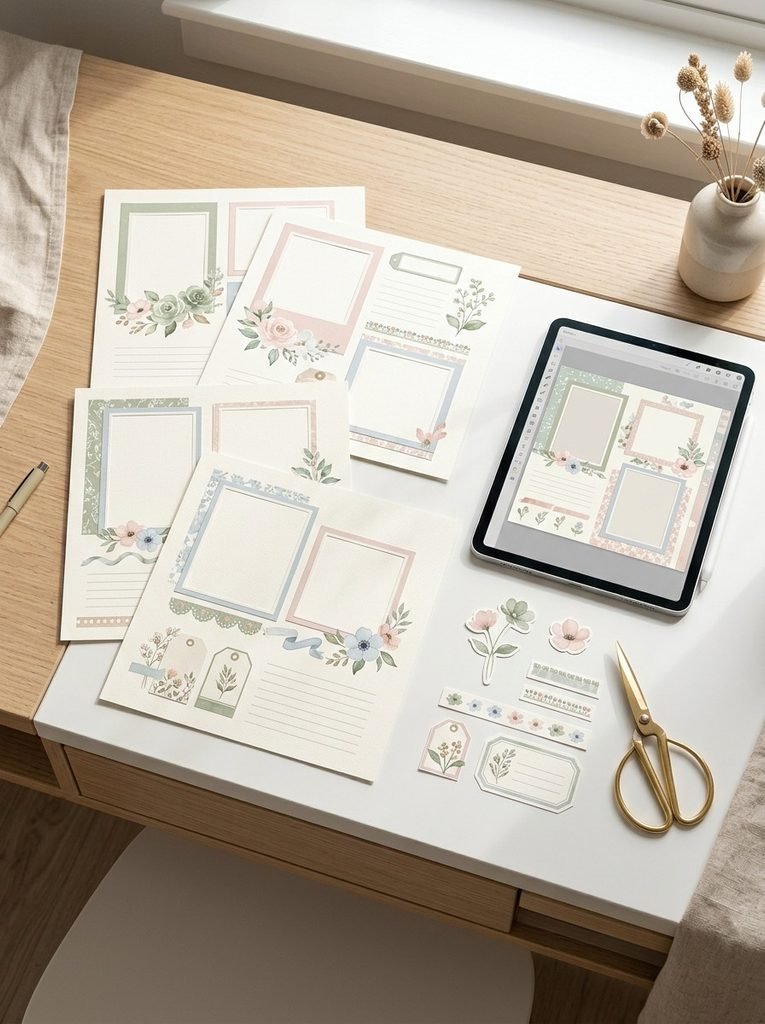
A printable scrapbook lets you combine digital creativity with physical paper crafting. Design pages with photo spaces, decorative borders, patterned backgrounds, and small sticker elements, then export them in a print-ready format supported by your printer or print service. Use high-resolution photographs and check the page dimensions before exporting. If you want to cut out individual stickers, transparent PNG files may be useful for the digital design stage, while suitable print layouts can help you arrange multiple graphics on one sheet. Always review image and asset licenses before distributing or selling the finished pages.
15. Build a Personalized Birthday Sticker Collection
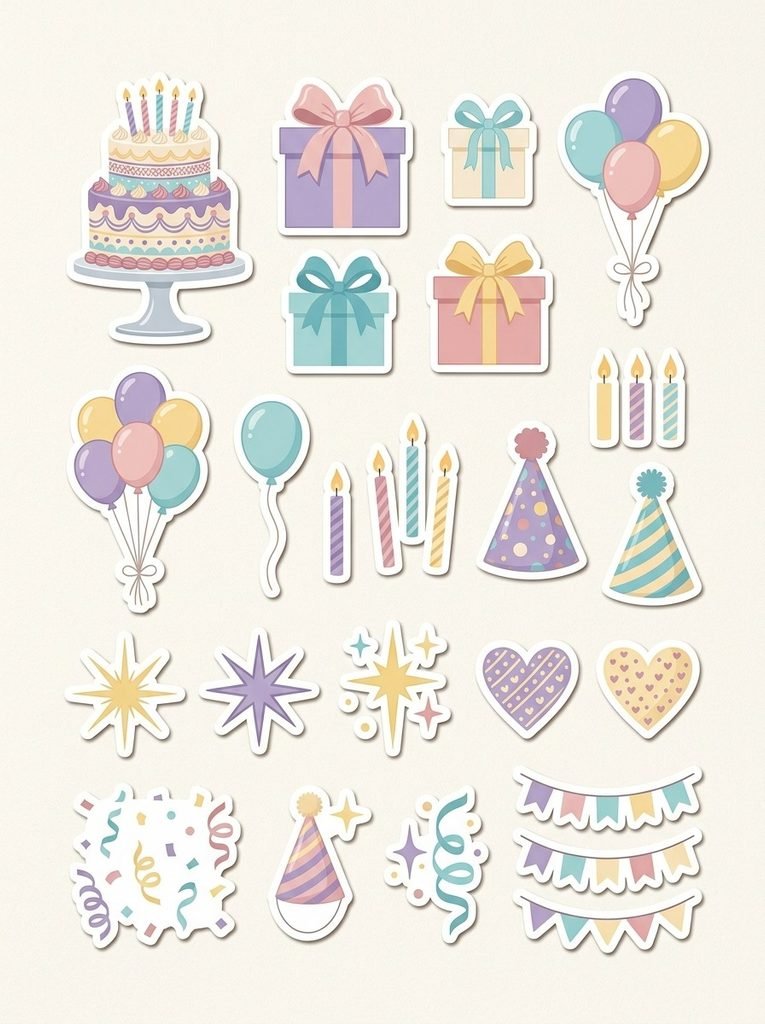
A birthday sticker collection can help you decorate several scrapbook pages while keeping the theme consistent. Include balloons, gifts, stars, candles, cakes, confetti, and small celebratory shapes in a matching color palette. If you need transparent stickers, look for PNG files with transparent backgrounds or use compatible Canva elements that can be exported appropriately. Keep a copy of your original collection so you can reuse the graphics in invitations, birthday albums, and social posts. When looking for free printable birthday stickers, verify the usage license and whether the files are intended for personal or commercial projects.
Tips for Creating Better Scrapbook Pages
A beautiful design depends on more than decorative stickers. A few simple habits can make your pages easier to create, edit, and share.
- Choose a theme first: Decide whether the page is for travel, birthdays, friendship, or everyday memories before selecting colors and graphics.
- Limit your color palette: Two or three main colors plus a neutral background usually create a more coordinated look.
- Balance photos and decorations: Keep the most important photograph easy to see, and use stickers to support the story rather than overwhelm it.
- Use high-quality images: Start with clear photographs and suitable image files so your pages remain sharp when displayed or printed.
- Save reusable templates: Keep a copy of your original layout so you can create matching pages without starting from scratch.
- Check usage rights: Free downloads are not always free for commercial use. Review the license for stickers, templates, fonts, and other design assets before selling or distributing your work.
How to Make a Digital Scrapbook in Canva
If you are new to Canva, start with a simple page rather than a complicated collage.
- Open Canva and create a design using the dimensions suited to your project.
- Choose a background color, a digital-paper pattern, or a suitable template.
- Upload your photographs and place them inside frames or arrange them directly on the page.
- Add a few stickers, decorative elements, and paper-style shapes.
- Adjust spacing, alignment, and colors until the layout feels balanced.
- Download the finished design in an appropriate format, such as PNG for digital sharing or PDF for printing.
Before exporting, check that your photographs are clear and that important details are not too close to the page edges. If you use Canva’s free elements or downloaded freebies, confirm that their usage terms suit your intended purpose.
Conclusion
Creating a digital scrapbook is a simple way to preserve memories and explore your creativity. You can start with one photograph, a background, and a few stickers, then build more detailed pages as your design skills improve. Canva templates, digital paper, and reusable layouts can make the process easier for beginners. Choose the idea that matches your next project, whether it is a birthday album, a friendship page, a travel journal, or an Instagram post. Keep the design personal, use decorations thoughtfully, and save your favorite layouts for future memories.